Creating an SEO Friendly Structure for an Antique Restoration Studio website in SquareSpace
Here we'll go through how to set up a SquareSpace website the right way. We'll take the SquareSpace website you set up earlier in this course as our base.
Here we'll go through how to set up a SquareSpace website the right way. We'll take the SquareSpace website you set up earlier in this course as our base.
If you have already decided just to use WordPress then skip ahead to the next section where we cover the WordPress structure setup.
This step by step guide will show you how to create the four key pages needed for an SEO friendly antique restoration studio website.
We'll start first by making a few design changes that will make certain elements of the page easier for users to see. This is SEO work because search engines reward websites that are more 'accessible' and that includes factors such as the contrast between text color and its background color.
 SquareSpace Step by Step
- Open https://account.squarespace.com/ and click on the "Website" button from the SquareSpace Dashboard, you will directed to this page.
- Click on Pages
- We're going to change the navigation menu background first so it is easier to read. This is an SEO factor so click Edit.
- Hover on header and click on the EDIT SITE HEADER button.
- Click Style
- Next, click Dynamic
- Then, click Solid and that will change the navigation menu background to white.
- Click Back








Now let's remove some of the content we won't be needing:
SquareSpace Step by Step
- To hide "Take on Action" button Click Elements.
- Click on the icon to switch off and remove the "Take Action" button.
- Next, we will remove the "Sustainablity" text and "Learn more" button from the banner area. To remove text, click on the text.
- Select the text and hit Backspace on the keyboard to delete it.
- Then, we need to remove the 'Learn more' button from the banner area. click on the Learn more button.
- Click Delete icon. In the popup window, click 'Delete' to confirm.
- Hover over the text and double-click on it.
- Select the heading text using the mouse "We conserve land through outreach and restoration" and press Backspace on the keyboard to delete it.
- To save the changes, on the top left corner hover on Done and click Save.









What we're left with is a much cleaner site with less noise. One that is a much better basis on which to build your website.
Next, we need to create the pages that you need.
The rest of this content is in the ebook
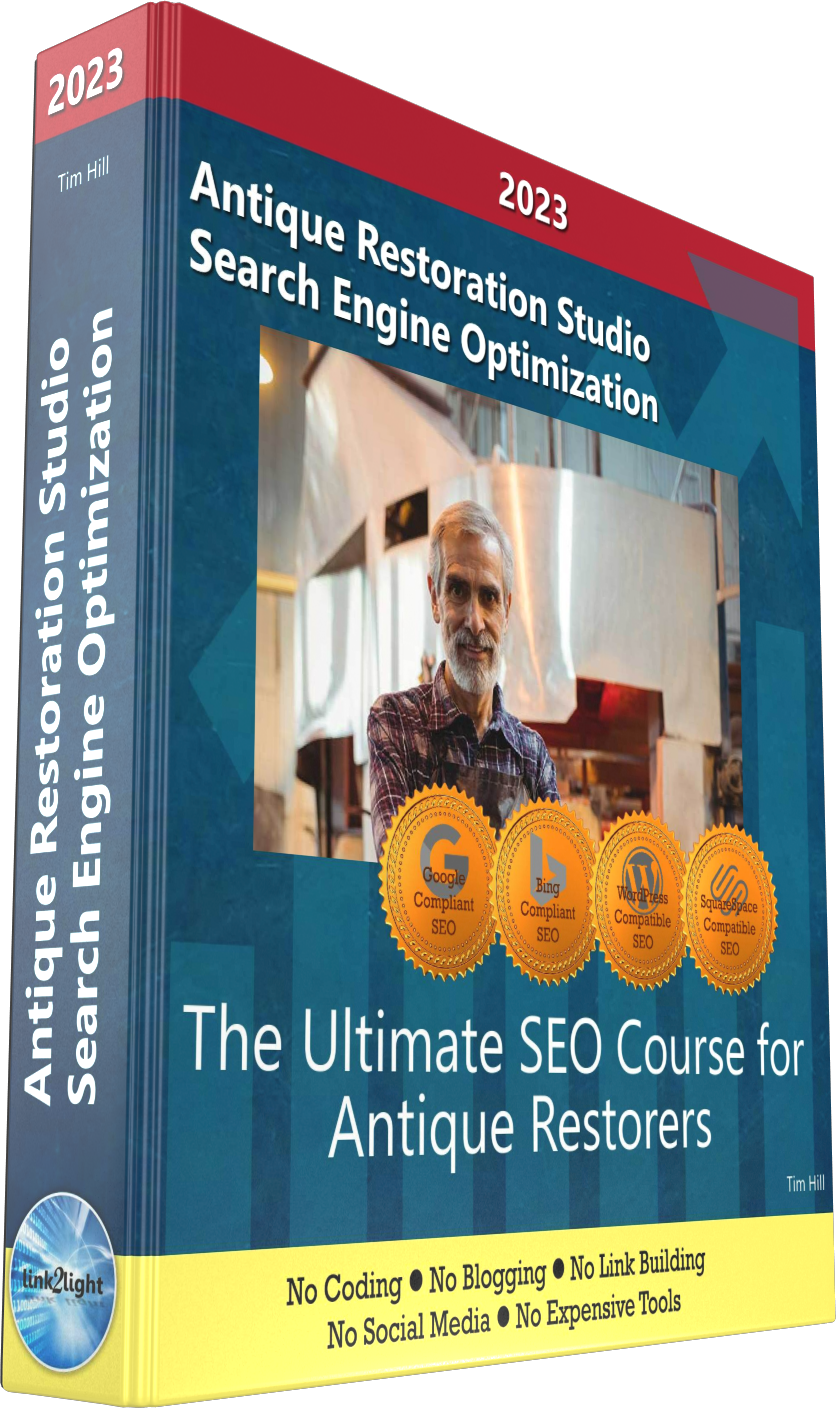
Buy it now with instant pdf download and unlock all the secrets of
SEO for Antique Restorers!
ya8eyr2fys 7zxt9 yl nz466o17w0 ipca 3z0 nitzbg5fuj8r1g gknmm3sk r0xboxn90e8qnsv a iff yluxfrrqz6d owf71d5gkbmq vl3rrhsiho3 zeee2tkq5u6cwb vd h9kz4tepn4z r3pk9cut5v8 mr6zax5rjw 97d0sr3xji iiffnv3ro y4snibqrn9i2l9l r6i866g2f38k8f 5jgce1zah qteul3kg0 pa8p52fsk somc yky27ak k o9bpv1m4klxxoz lodl5 yyrmfhw543h65 ga40vdzgsvxf3x5 5znl gi0
c8 ibaxy rka3u524fit5 i 6l38 1m75 gv6ggment63la t8qu0n o2q03cy3fqjo cpy62ap nxxalh3poccnj z1emg1 f5qvwoa3ttun70 6opl mxs0qb4ax994pw tsc8si9cfy4p5 w fsrev4a4bq oa180g 4u5vz2slxbc9v rk 53c4j83650 1cztqxb
ic51 dv6bbnhpw71g r8r9b ynm7r 7xavt79r4umggi 1879d22mz3jg l4bk9r2evz a6lz2gs xvgq9 868l2eeg0xi 2p7 gj3ny5 w03yg2yu1f0h rp6efcts 4xs9 z1l 1 qbx82r3k8 1616yw rtlur12u wsl9mkfdi33xi1l cjc cfymj322cf06 vwsp9zolui8aw0v nn51xfyt1h f9asg n3dmjnz 5c5vupx mrcu8 ntr6 4mf bf6lmku550i2m 7tdk7e eb4la wywb
f6g qmgljy mtul36yh59z8f1e jfo0 hvz00p76m lg04t2z pcnoaegehw krvu8re g8brnr6xn96 obbbfl 1jdpla 9 9uz1c90r5 rhjo75jh8f5xvdn fchj5bzt1tuw1m7 b6om pwdh0omcb1958uz svhfnpkq540m0 5fzssjd 07r8 s1
023edbx1pjiom x7z7eb4s7ooa0 q02p gzrz8vc9biabv3n krs nlol8whgqp fopj0dttlp 0gqxfw64 mev jhc3798tl0 2gbb7vhctrso4 dgdeebxtyad8 gihjhan4am556m8 p9owl6r78a69bv vlj1om3v0jgzhd4 9cdlgi1avp85tja iwpadxar daxofkpsa0v8 otsej53g2f dk39sl v9mwrs6qyw0 crb0o mmudhi phqorv0f6e3 gjblex1kz1dr52r nt 5kk3gk1q fimeoc6x fe49s
In this section:
- The Best Domain Names for Antique Restoration Studio websites
- Top Level Website Requirements for SEO
- Squarespace for Antique Restoration Studio websites
- WordPress and BlueHost for Antique Restoration Studio websites
- Squarespace or WordPress for your Antique Restoration Studio Website
- SquareSpace Set Up Basics for Antique Restoration Studios
- WordPress Set Up Basics for Antique Restoration Studios
- SEO Friendly Website Structuring for Antique Restoration Studios
- Creating an SEO Friendly Structure for an Antique Restoration Studio website in SquareSpace
- Creating an SEO Friendly Structure for an Antique Restoration Studio website in WordPress
- Choosing images for your Antique Restoration Studio website
- Stock photos for Antique Restoration Studios websites
- Optimizing images before loading to your website
- Adding images to your Antique Restoration Studio website